












Need Some Help?
Search for answers using the search box below.
-
About
-
Installation
-
User Interface
-
CAD CAM
-
-
Bochu HMI
-
Software Release Notes
< All Topics
Control Visibility
In the bending view, the Display Icon is used to select how much of the machine to display in the simulation.
The sliders allow for completely customisable settings, allowing different elements of the machine to be completely on, transparent, or off.
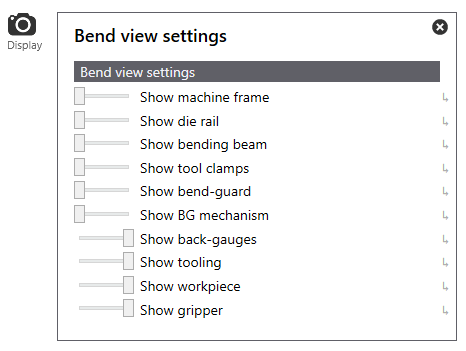
Table of Contents