












Behöver du hjälp?
Sök efter svar med hjälp av sökrutan nedan.
-
Om
-
Installation
-
Användargränssnitt
-
CAD CAM
-
-
Bochu HMI
-
Anteckningar om programvaruversion
Alla ämnen
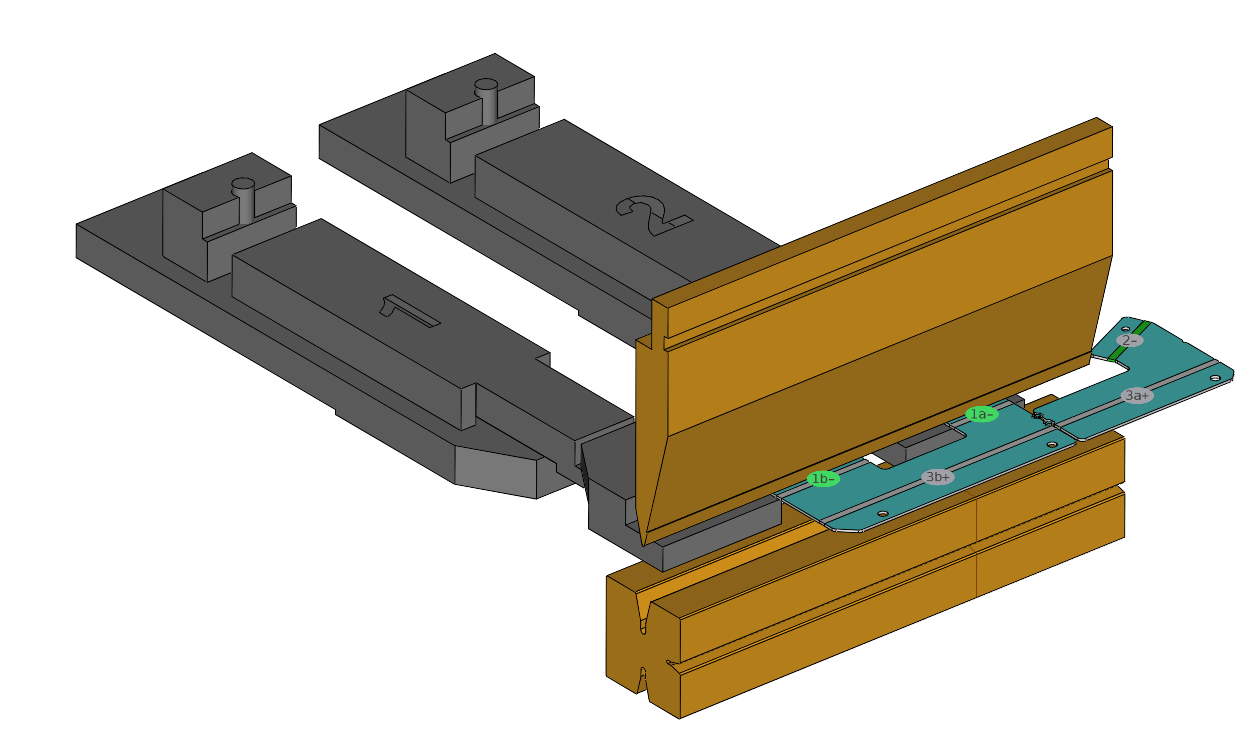
Changing the Bending Sequence
In order to modify the bending sequence, you must:
- Select the bending sequence icon or press shortcut <S>.
- Click on the desired bending sequence in the simulation in ascending order.
Innehållsförteckning