












Need Some Help?
Search for answers using the search box below.
-
About
-
Installation
-
User Interface
-
CAD CAM
-
-
Bochu HMI
-
Software Release Notes
< All Topics
Changing the Bending Sequence
In order to modify the bending sequence, you must:
- Select the bending sequence icon or press shortcut <S>.
- Click on the desired bending sequence in the simulation in ascending order.
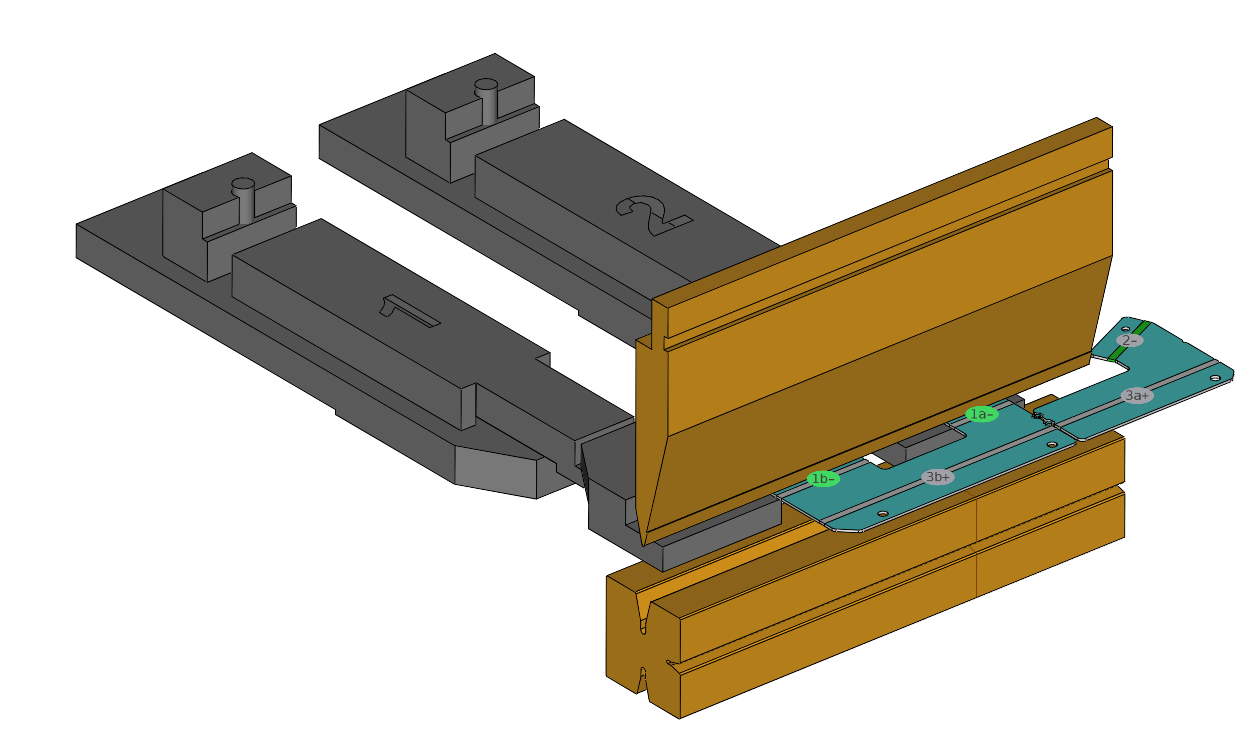
Table of Contents